Rich Presence for what you actually do

Your activity.
On Discord.

Show the series you are watching, music you are playing, app you are using, or a status you wrote yourself. One extension and one companion keep it all in sync.

Windows, macOS, LinuxChecking latest releaseOpen source
Discord Status
Connected
NOW SHOWING
Stranger Things artwork from the Netflix title page
WATCHING · NETFLIX
Stranger ThingsS1 E1 · The Vanishing of Will Byers
12:0847:23
AutoDetect and update
Active tabOnly this tab
ManualYour own status

SpotifyThe Moves · ODESZA2:34
GitHubdiscord-statusActive
One status, many sources

More useful than a page title.

Purpose-built detectors keep the status readable while flexible controls decide what is allowed to appear.

01

Media with context

Series, episode, track, artist, playback state, progress, and source artwork when the service exposes them.

02

Desktop activity

Use the companion for VLC, approved apps, games, and custom activities without keeping a browser tab open.

03

You stay in control

Auto detect, active-tab-only, manual selection, site toggles, private domains, and configurable shortcuts.

Designed as one product

See the output and every control.

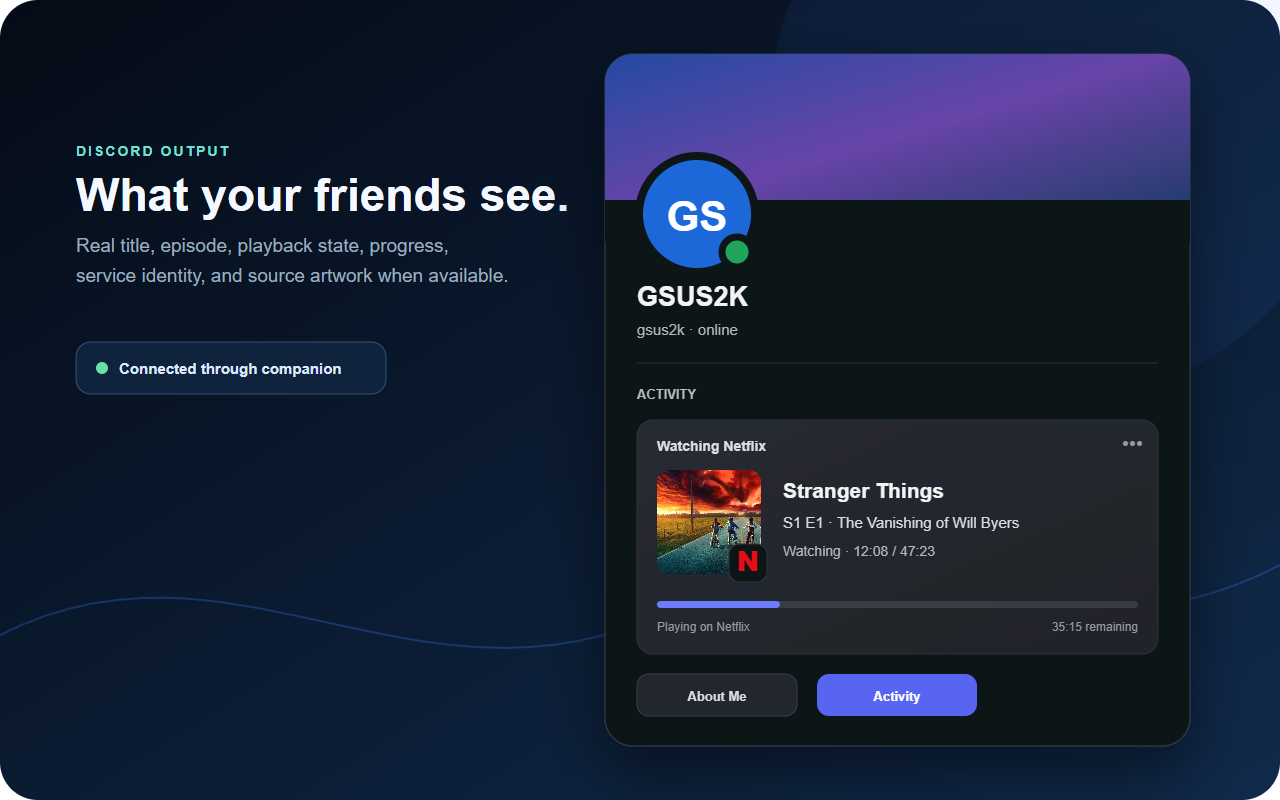
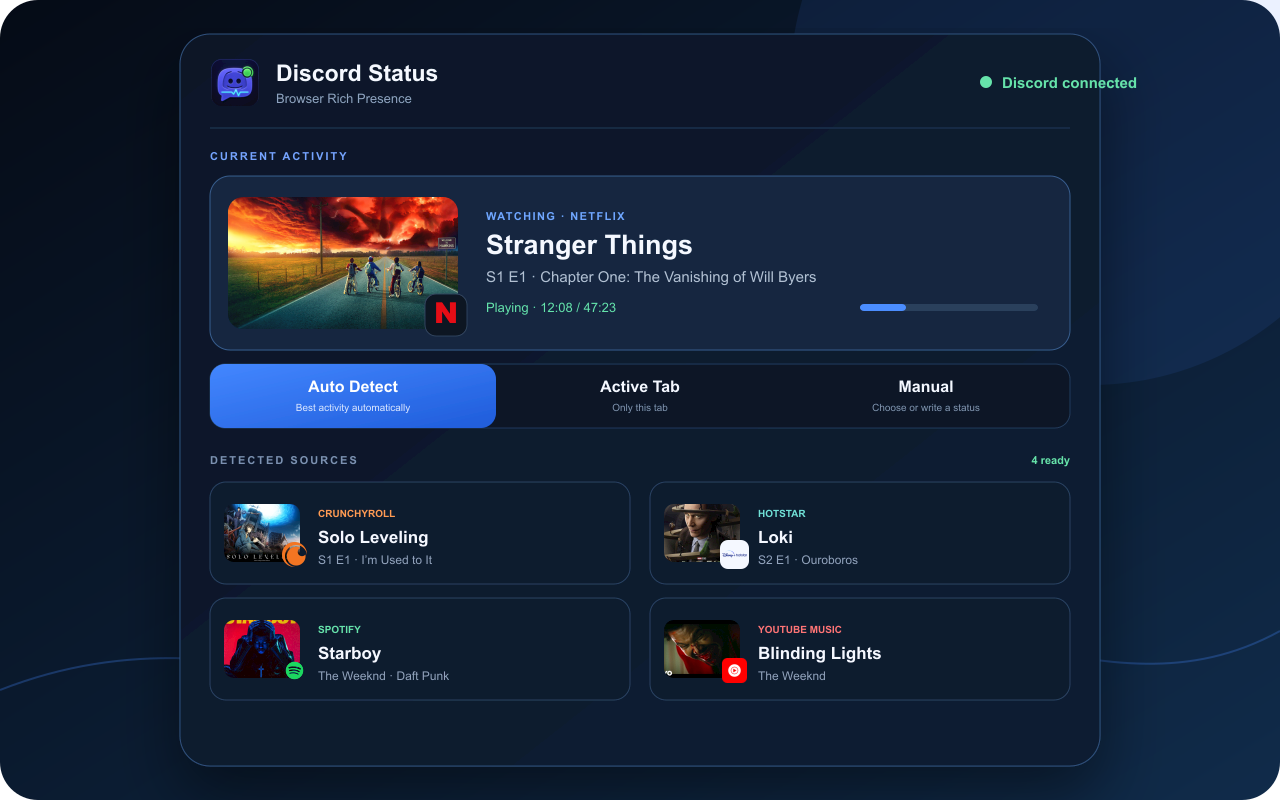
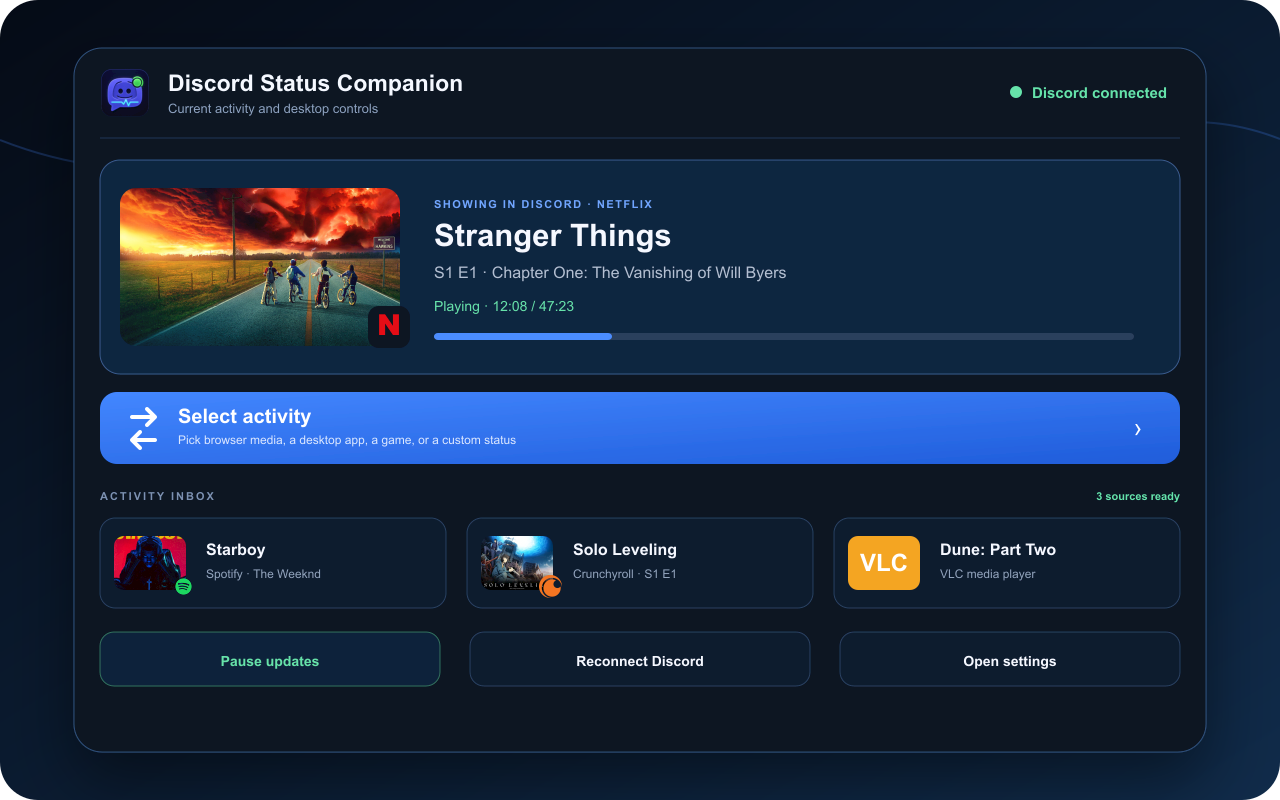
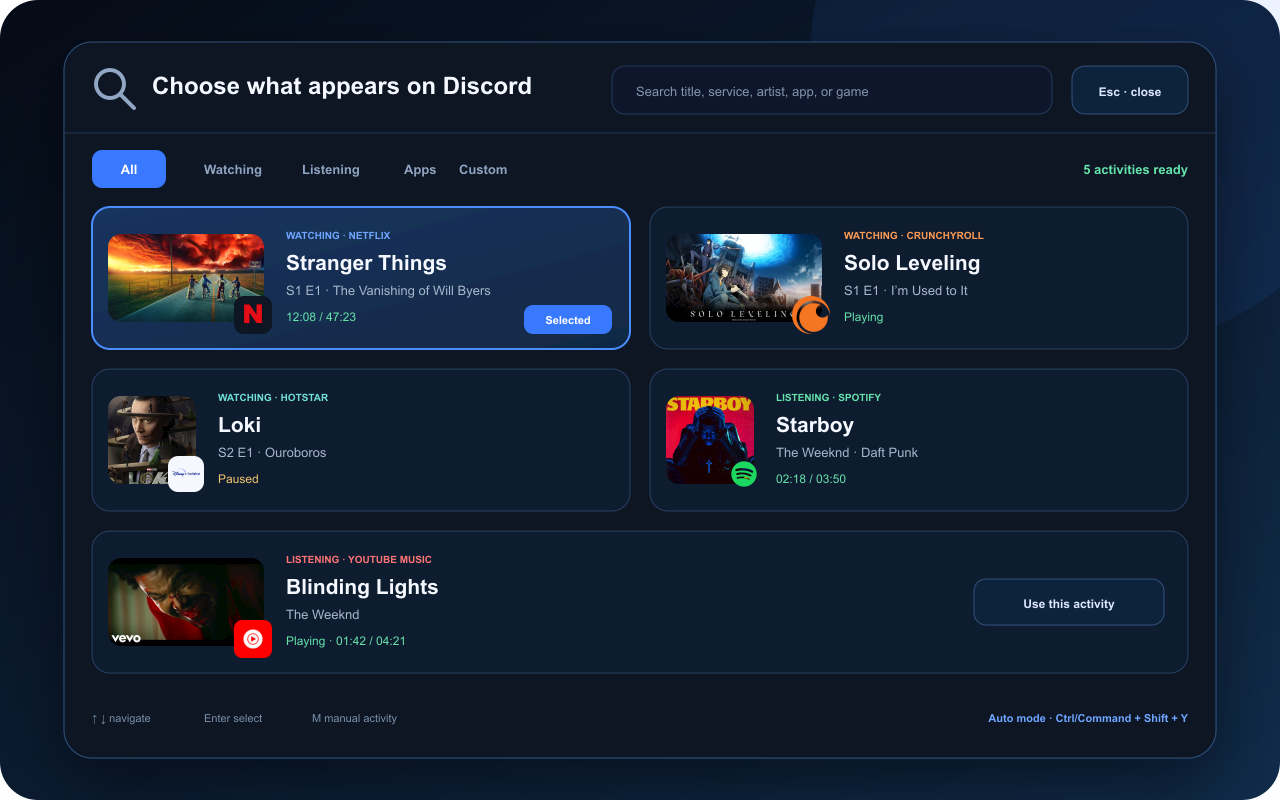
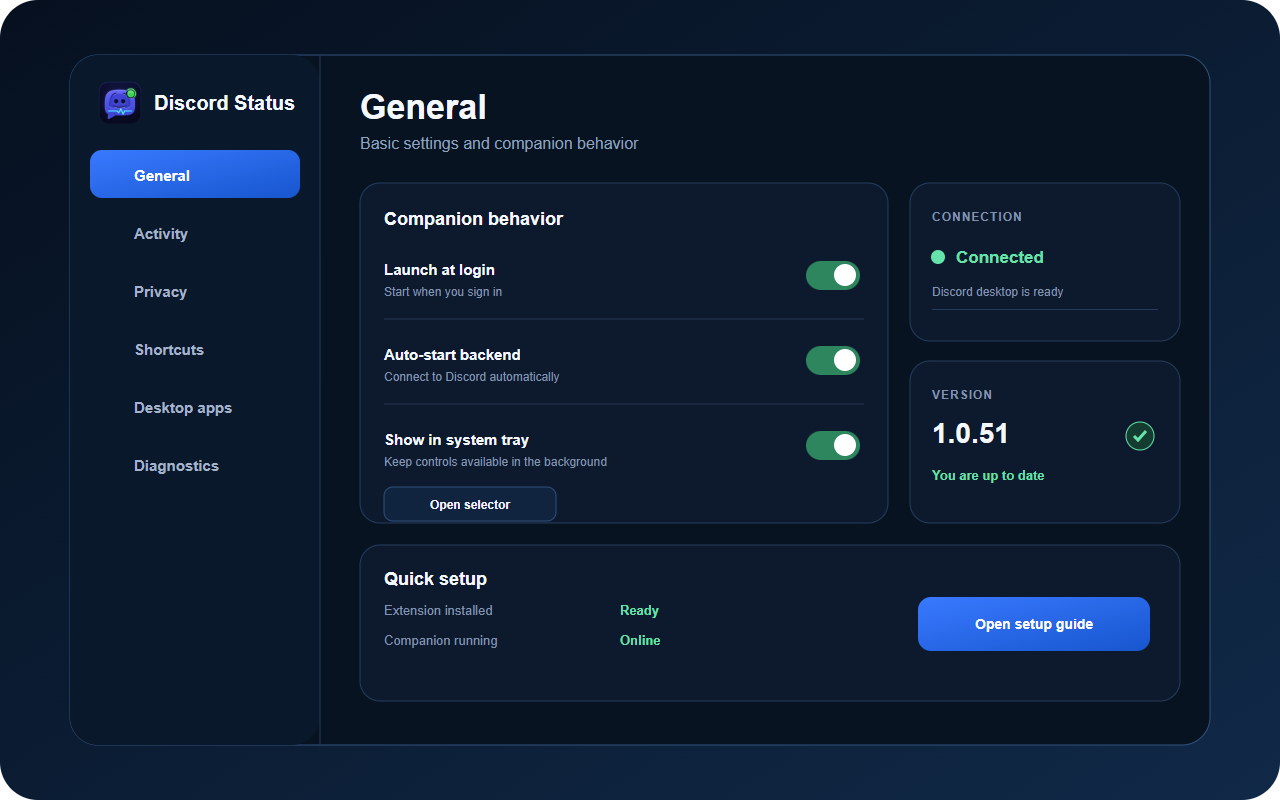
See the Discord profile result, extension dashboard, companion controls, selector, and desktop settings that work together.

Discord profile showing Stranger Things activity from Discord Status
Discord outputTitle, episode, progress, service, and source artwork
Discord Status extension activity dashboard
Chrome extensionChoose and preview browser activity
Discord Status Companion dashboard
CompanionControl Discord and desktop activity
Discord Status activity selector
Activity selectorPick from Netflix, Crunchyroll, Hotstar, music, apps, and more
Discord Status Companion settings
SettingsConfigure behavior without guesswork
Setup without guessing

Three steps. Then it runs quietly.

1

Install the extension

Add Discord Status from the Chrome Web Store and pin it to the toolbar.

2

Install one companion

Choose the normal installer for your operating system below. Keep Discord desktop open.

3

Choose what to show

Use Auto for everyday use, Active Tab for tighter privacy, or Manual for full control.

Direct downloads

Pick your system and format.

No release-page hunt. Every button below downloads that exact package from the latest GitHub release.

FIRST, ADD THEChrome extensionOpen store ↗
RECOMMENDED FOR YOU

Windows companion

Setup is the normal choice. MSI is for managed deployment.

Latest release
Each file is downloaded directly from GitHub Releases.View release notes ↗

Your activity stays on your computer.

The extension talks to the companion on localhost. The companion talks to Discord desktop.

Read the privacy policy